
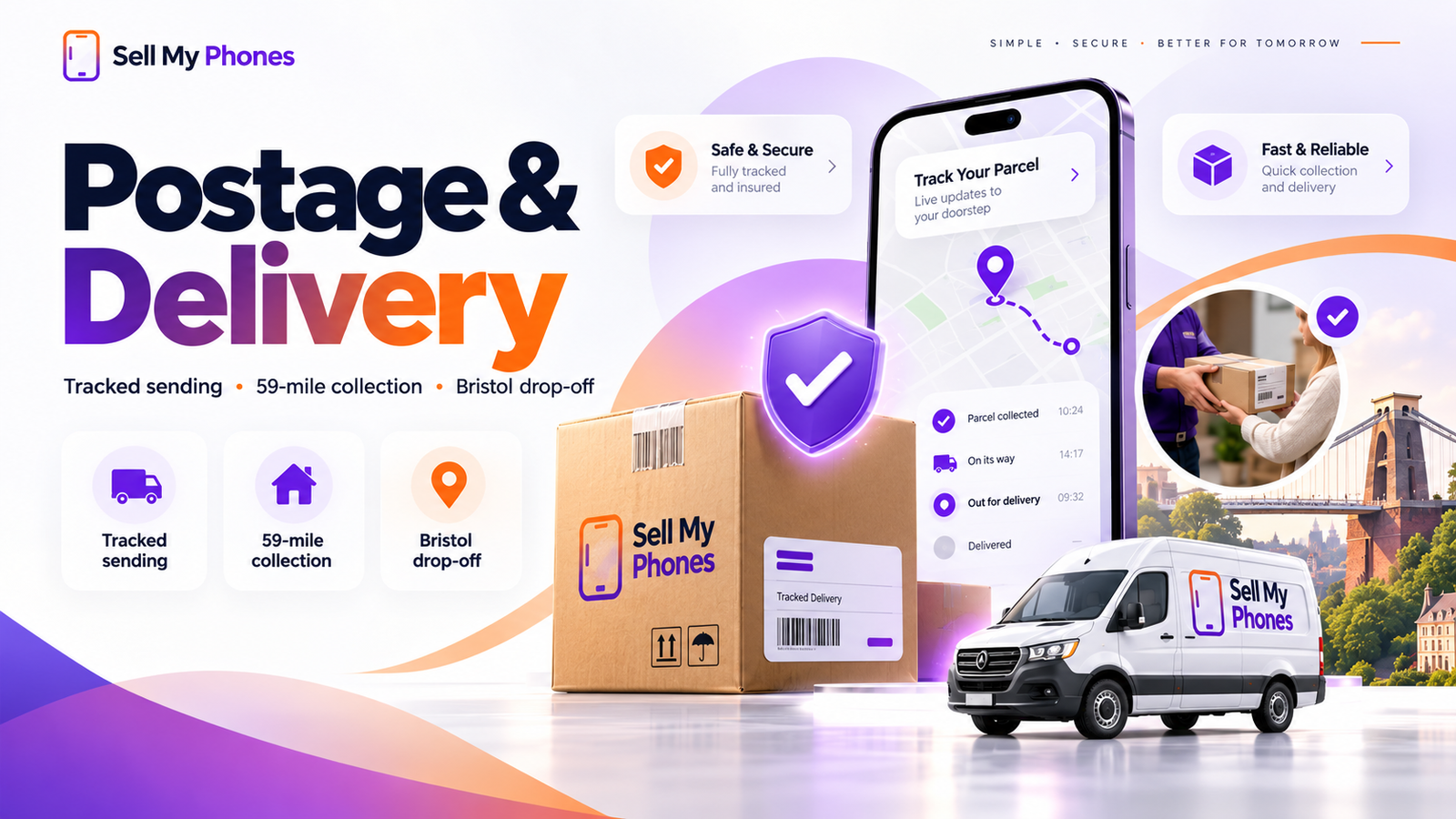
Secure phone postage is an important part of selling a device online. A handset that is described accurately can still arrive in a different condition if it moves around inside a weak parcel, so take a few minutes to protect it properly. Follow the specific sending instructions supplied with your trade-in and use the guidance below as a practical packing checklist.
Complete your backup and account removal first
Do not seal the parcel until you are confident that your personal information is backed up and the phone is ready to leave you. Sign out of cloud accounts, remove activation locks, take out your SIM and any removable memory card, and factory-reset the handset when appropriate. Our data wipe guide explains these steps in more detail. It is much easier to resolve an account or backup issue while the phone is still in your hands.
Photograph the device before you pack it
Take clear photographs of the front, back and sides and, if the phone powers on, a simple image showing the screen condition. This gives you a dated personal record of how the device looked before transit. Photographs do not replace secure packaging or tracking, but they are useful documentation for any valuable item sent through a delivery network.
Use suitable protective material
Protect the phone from direct impact and movement. A layer of bubble wrap or equivalent cushioning around the handset is normally more effective than placing it loose in a large box. Pay particular attention to glass surfaces and raised camera areas. Avoid materials that can scratch the phone. If you still have a sturdy inner device box it may be useful as part of the protection, but the original retail box is not normally required unless your trade-in instructions specifically say otherwise.
Choose a strong outer package
Use a rigid box or other suitable outer packaging that will stay closed during handling. Fill empty space so the wrapped phone cannot slide or rattle. Loose chargers, plugs, keys or other hard accessories can strike the handset in transit, so do not include unnecessary items. If accessories are requested, wrap them separately so they cannot contact the phone directly.
Follow the provided tracked sending method
Use the postage or courier instructions issued for your trade-in rather than choosing an unrelated service without checking. Keep the tracking number, receipt or proof of posting until the transaction is complete. The compensation or insurance limit depends on the specific carrier/service shown in your sending instructions, so check that limit before handing over a high-value device. If the stated cover is not suitable, contact us before posting. Tracking gives both you and the receiving team a shared record of the parcel’s movement, but it does not remove the need for careful packaging.
Check the label and return details
Make sure the shipping label is readable, firmly attached and not covered by tape in a way that obscures barcodes. Remove or cover old delivery labels if you reuse a box. Check that the sender information and any trade-in reference requested in your instructions are included correctly. A clear reference can help the team match an arriving parcel to the right valuation request.
Do not post a device that may be unsafe
Lithium batteries require care. If a phone has a visibly swollen battery, severe heat damage, major puncture damage or another condition that could make transport unsafe, do not simply put it in the normal post. Ask for appropriate advice first and follow the carrier’s rules. The same caution applies after serious liquid or fire damage. Safety is more important than completing a trade-in quickly.
What happens when the parcel arrives?
Delivery marks the beginning of the inspection stage, not the end of the trade-in. The device is checked against the model, storage and condition information supplied. If the description matches, the process can move toward payment after successful inspection. If there is a material difference, a revised valuation may be communicated before completion. The how it works guide explains the full sequence.
Bristol drop-off as an alternative to postage
Customers near Bristol can bring a device to either 5 Union Street, Bristol, BS1 2DD or 55 Gloucester Road, Bishopston, Bristol, BS7 8AD. Confirm the current branch opening time before making a special journey. Local drop-off can be useful if you are uncomfortable posting a valuable device or want to ask a question about its condition first.
Need help before sending?
If you are unsure whether your packaging is suitable, whether an accessory is required, or whether the phone is safe to transport, contact Sell My Phones before posting. You can also read the frequently asked questions and condition guide so the device description and parcel preparation are both complete.
Do you need to include a charger, case or original box?
Do not assume extra accessories are required. The handset itself is the main item being assessed unless your specific trade-in instructions say otherwise. Sending unnecessary plugs, cables or cases can add weight and creates more loose objects that need to be protected. If an accessory has been requested, wrap it separately so it cannot strike or scratch the phone. Keep anything personal, including SIM cards, memory cards and cases that contain bank or travel cards, with you.